Countdown to Windows 10 End of Life: What This Means for Your Business
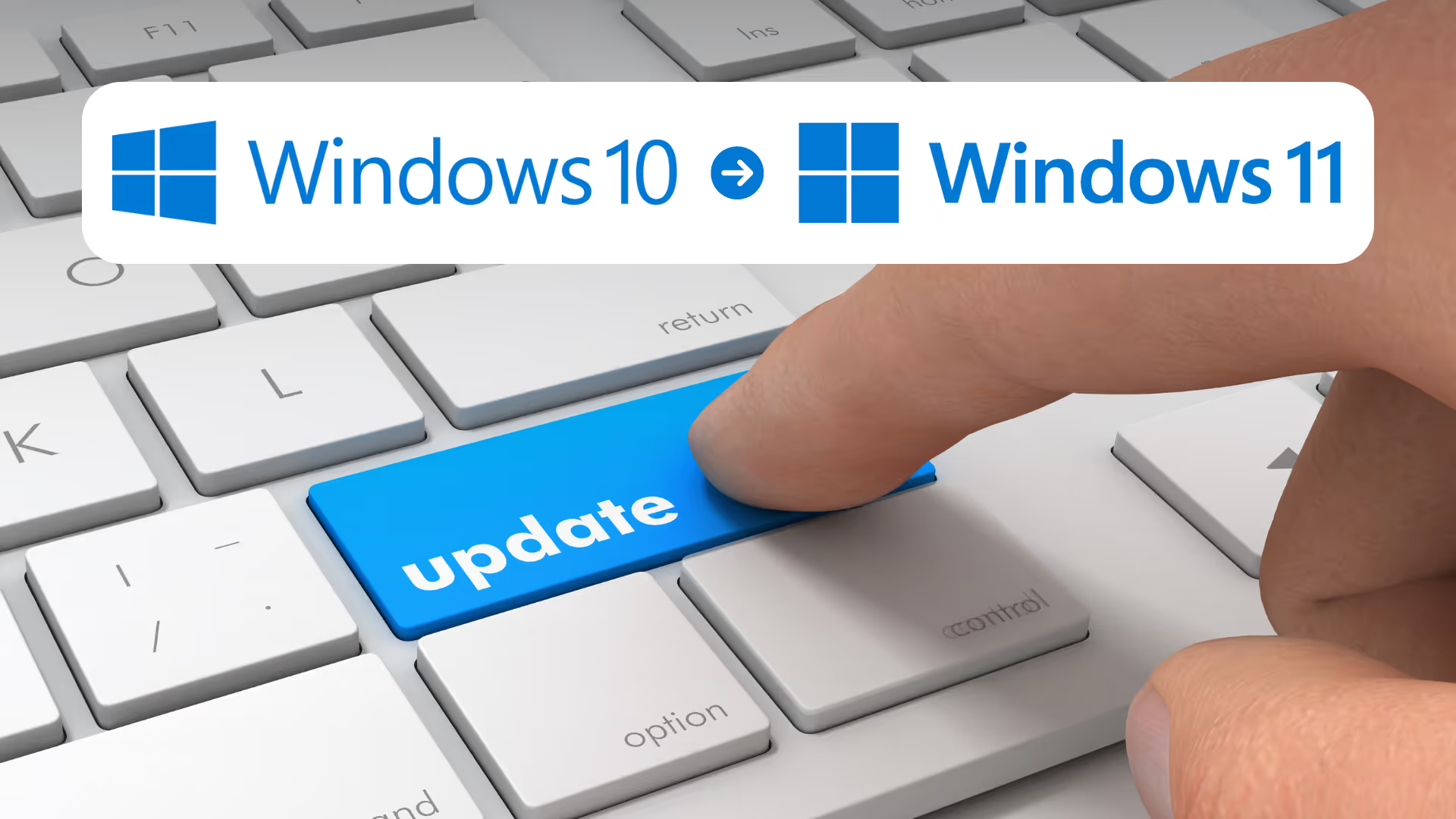

We are preparing our clients for Windows 10 going end of Life on October 14th, 2025. This guide will help your business plan your upgrade strategies to Windows 11 to ensure a smooth transition. The upgrade is about maximizing security and performance. Let’s dive into what this means for your business.
Frequently Asked Questions
When it comes to upgrading your computers from Windows 10 to Windows 11:
What is the end-of-life date? — October 14th, 2025
What happens if I don’t upgrade from Windows 10 to 11? —
Your computer will still work, but it will no longer receive security updates, patches, or technical support from Microsoft. It is advisable to upgrade to a newer operating system to ensure your system remains secure and to take advantage of new features and improvements.
Will my existing software and applications be compatible with Windows 11? — Most applications that worked on Windows 10 should work on Windows 11. However, it's important to check with software vendors for specific compatibility information. If you are unsure if business critical software applications are compatible, please reach out to use.
What is the cost of the upgrade? — Currently the software upgrade to Windows 11 is offered free through Microsoft. StoredTech provides professional services and support to perform and monitor the upgrades on our client's behalf. As part of that upgrade process, we ensure the upgrade is successful and everything is working properly for the end user afterwards.
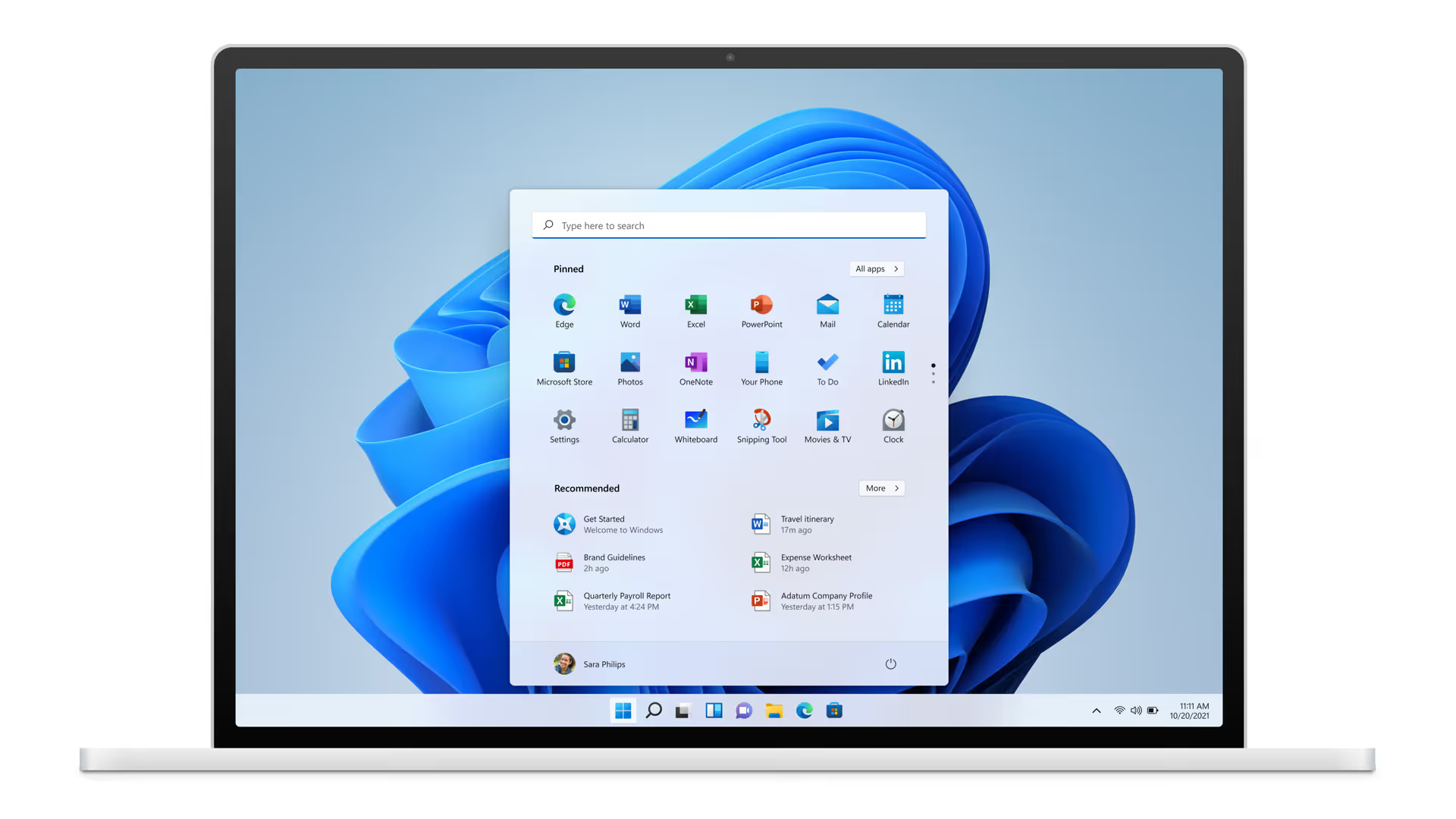
What are the computer requirements for Windows 11? — Depending on how old a particular workstation is, your hardware may have insufficient system specs to meet Windows 11 minimum requirements, and more importantly, run it effectively in a day-to-day capacity (higher requirements than you would expect). Key requirements include 4GB RAM minimum (we are recommending a standard 16GB to our clients) and a trusted platform module (TPM) which is not a common feature on older devices. You can use the PC Health Check app provided by Microsoft to assess compatibility.
What Window's 10 End of Life Date Means
Although your Windows 10 PC will continue to function, it will become increasingly vulnerable to security threats such as viruses, malware, and cyberattacks once Windows 10 reaches its end of support. Without regular security updates, any newly discovered vulnerabilities will remain unpatched, leaving your PC more susceptible to attacks. For both businesses and individual users, this could lead to the loss of sensitive data, exposure to cyberattacks, or deteriorating system performance over time. Thus, comprehending the consequences of the end of life for Windows 10 is essential for safeguarding your devices and data.
Why We Recommend Upgrading Sooner Rather Than Later
Start Utilizing the Upgraded Features Today
Transitioning to Windows 11 is a proactive step towards maintaining a secure, efficient, and future-ready computing environment. Users benefit from enhanced performance, security, and productivity features. Windows 11 offers a more intuitive interface, improved virtual desktops, and better integration with Microsoft Teams, your team can work more efficiently and collaboratively.
Future-Proofing Your Business
Windows 11 offers better support for new software and hardware advancements, ensuring your systems remain compatible with future technologies. By upgrading now, you're not just investing in your current security and productivity but also laying the groundwork for seamless integration with innovative tools and solutions down the road.
Don’t Wait and Scramble
As we get closer to the Windows 10 end of life date on October 14, 2025, slow to react businesses will be scrambling to upgrade their environments, placing increasing demands on hardware supply chains and professional services support. Getting in front of this change early will ensure minimal impact on your business operations as well as allow for budgeting in advance.
It's Free As Of Now, But That Could Change
It is also worth considering is that Microsoft may decide at any point that the Windows 11 upgrades are no longer going to be "free" (as they did with Windows 7 to 10), which may add another layer of costs for those who delay.
I Want To Upgrade to Windows 11, Now What?
Upgrading to a new operating system can be a daunting task, especially when it involves multiple devices across your organization. At StoredTech, we provide our clients with a detailed inventory of all their devices, highlighting which ones meet the requirements for Windows 11 and which ones may need to be replaced. This comprehensive list ensures that you have a clear understanding of your current hardware capabilities and what steps need to be taken to ensure a smooth transition to Windows 11.
Our team works closely with you to develop a timeline that fits your schedule and financial constraints, allowing you to upgrade at a pace that suits your business needs. By planning ahead, you can avoid unexpected costs and disruptions, ensuring that your upgrade to Windows 11 is as seamless and cost-effective as possible, helping you stay secure and productive with the latest technology.
Ready to take the next step? Contact us today to schedule your upgrade and experience our commitment to client delight!

Let's Talk!
[gravityform id="2" title="false" description="false" ajax="false" /]
.jpg)
Keep Your Business Running with 24/7 IT Support
Get reliability, security, and peace of mind from a partner that picks up every time. Fill out a quick form and get in touch with us today!